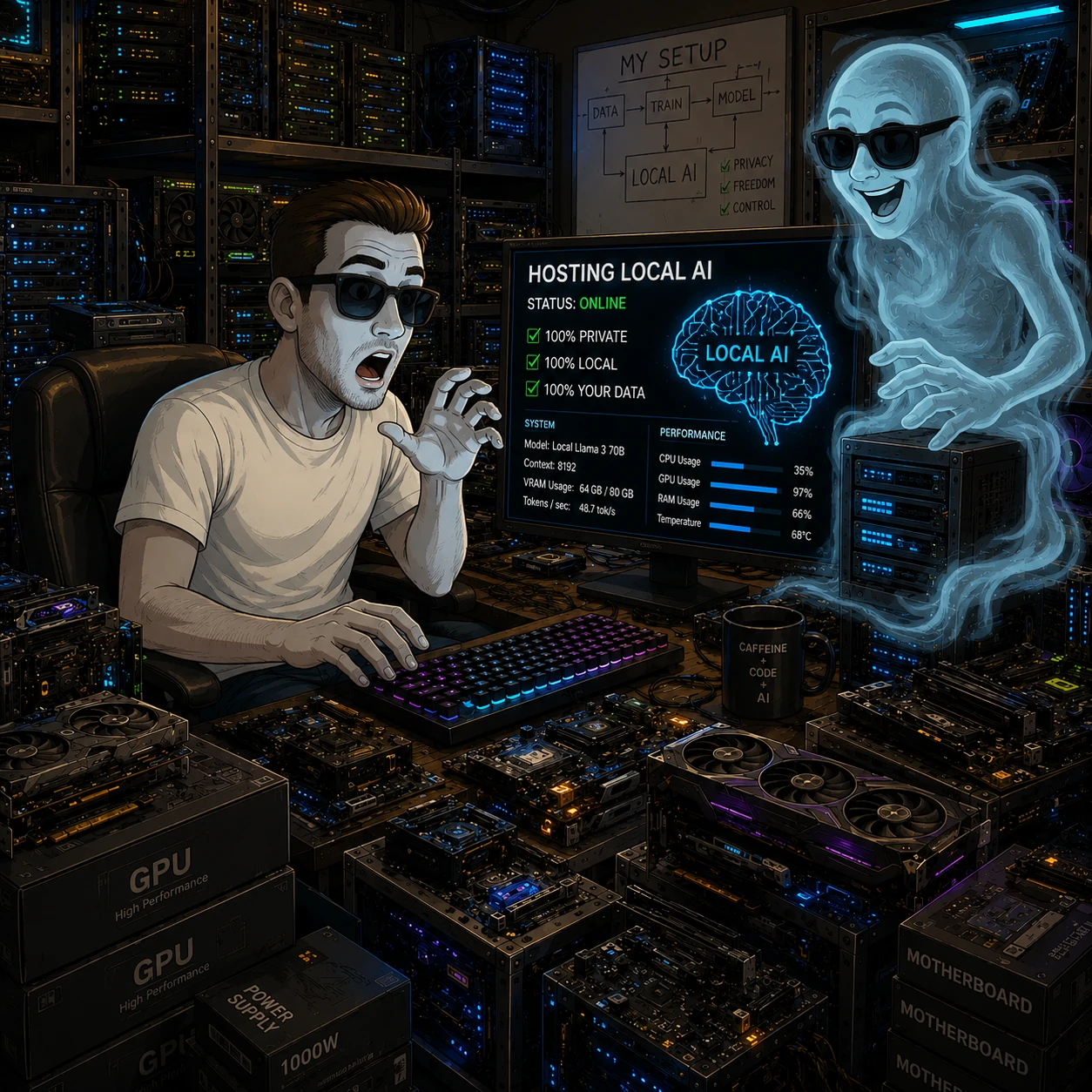
As announced in my last post, one of my goals was to finally dig into the world of local AI tooling. You know, the stuff the cool kids on Reddit keep flexing about: running your own image generation models, on your own hardware, without some cloud provider quietly throttling you because you asked for “a cat in a wizard hat” one too many times.
So I dragged my aging tower PC out of semi-retirement, slapped a fresh Debian install on it, and — armed with a step-by-step guide ChatGPT had so kindly written for me — started installing ComfyUI and FLUX.1-schnell.
My main motivation? I generate a lot of images for this blog, and ChatGPT/DALL-E & co. love to slap me with “you’ve reached your limit” or “this violates our content policy” after about three prompts. Cool. Very cool. Time to host my own. 💪
😴 Then… I got distracted
Classic story: I got the basics installed a few days ago, hit some roadblock, lost motivation, and walked away mid-setup — venv half-activated, browser tab open, terminal history full of half-finished commands. You know, digital archaeology waiting to happen.
Today I figured: “let’s just hand this mess to Claude and see what happens.” So I gave it SSH access to the box and basically said “finish what I started.” What followed was honestly one of the more surreal afternoons I’ve had with a piece of software.
🕵️ Step 1: Claude plays detective
Instead of nuking everything and starting fresh (my usual approach, let’s be honest), it actually read my shell history first. Like an actual investigator. It figured out:
- ComfyUI was already cloned and set up in a venv under
~/ai/ComfyUI - FLUX.1-schnell weights (a chonky 23GB unet, plus CLIP/T5 text encoders and VAE) were already downloaded
- The GPU was an RTX 3050 with 8GB VRAM — Debian 13, 32GB RAM, 16 cores
It then spun up ComfyUI, confirmed it actually booted (HTTP 200, no exploding stack traces), and reported back a tidy status summary. No drama, no “let me just reinstall everything from scratch” — just calm assessment. Suspicious levels of competence. 🤨
⚙️ Step 2: “Make it a real service” — yes sir
I asked for ComfyUI to run as a proper background service (because I am not going to leave an SSH session open 24/7 like some kind of savage). Claude wrote a systemd unit, enabled it, and it was running persistently within about two minutes. Reboot-proof. Auto-restart on crash. The whole nine yards.
🇩🇪 Step 3: “Can it understand German prompts though?”
This was the actual moment my jaw dropped a little. I wanted to know if I could just type prompts in German (because, obviously, that’s my native tongue and I’m lazy). So Claude built a little FLUX text-to-image API workflow on the fly, fed it:
“Ein gemütliches Café in Paris bei Sonnenuntergang, digitale Kunstmalerei, warmes Licht, Menschen sitzen draußen”
…waited ~60 seconds, downloaded the resulting PNG over SCP, and showed it to me. A genuinely lovely little Paris café scene at sunset. In German. First try. I did not expect that to just work. ☕
🧩 Step 4: “This UI has 4000 buttons and I just want a text box”
Then I opened the actual ComfyUI web interface and… yeah. Node graphs everywhere. Sliders, dropdowns, wires connecting boxes like some kind of synthesizer patchbay designed by someone who really, really loves nodes. I basically said: “I just want something like ChatGPT — one box, type text, get image.”
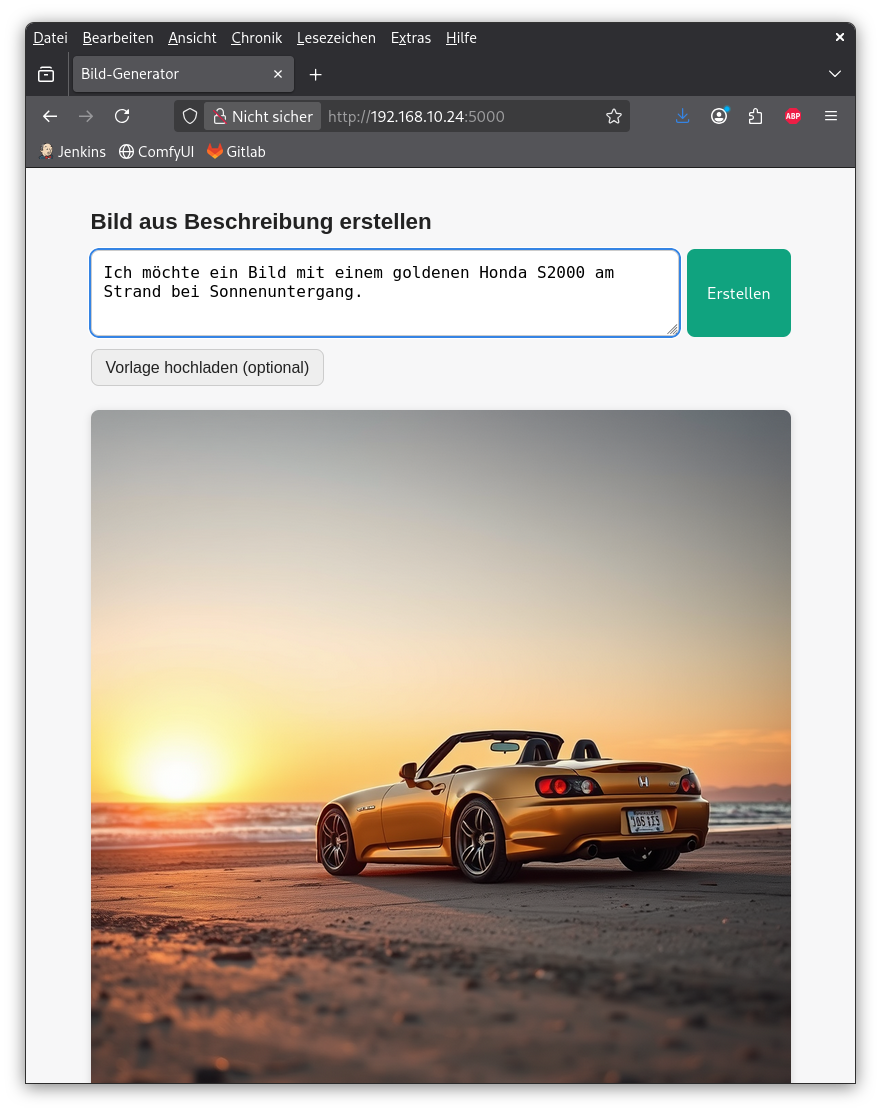
So Claude built me a custom mini web app from scratch:
- A Flask app with exactly one text field and one button
- Behind the scenes, it builds the full FLUX workflow JSON, submits it to ComfyUI’s API, polls until done, and serves the resulting image
- Wrapped it in its own
systemdservice too, running on its own port
Tested it with: “Ein freundlicher roter Drache sitzt auf einem Berg, Cartoon-Stil, bunte Farben” → got a genuinely cute cartoon dragon 🐉 on a mountain. In about a minute, start to finish. I built precisely zero of this myself.
🖼️ Step 5: “Okay but can I upload an image and have it changed?”
At this point I was on a roll, so I pushed my luck: “Can I upload an existing image as a template and have the AI modify it?” (img2img, for the nerds in the audience.)
Claude:
- Added Pillow to a separate venv for image preprocessing (resizing to multiples of 16, because apparently VAEs are picky about dimensions)
- Extended the workflow with
LoadImage+VAEEncodenodes - Added a “transformation strength” (denoise) slider to the UI
- Then actually tested it itself: uploaded the dragon image back in, asked for “the dragon now breathes blue fire, it’s nighttime with a starry sky”
First attempt at denoise 0.6 → barely changed anything (basically the same dragon, slightly moodier lighting). Claude noticed this, bumped it to 0.9 → completely different, dramatic night scene with fire 🔥, but the dragon’s pose changed entirely. So it settled on 0.75 as a sane default and explained the trade-off to me. It was debugging its own creative output quality. On my behalf. Without being asked twice.
📊 Step 6: My turn to ask the dumb questions
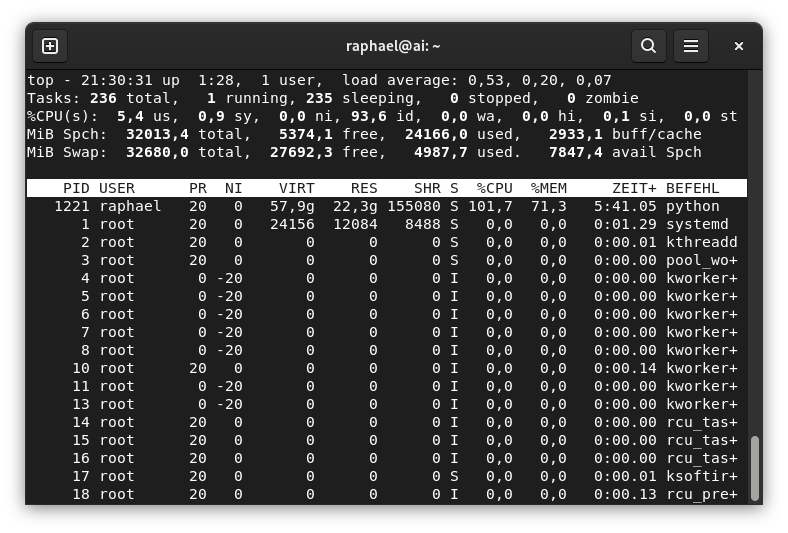
Naturally, I had to poke at the box myself and ran top while a generation was running:
MiB Spch:  32013,4 total,    632,3 free,  22986,9 used,   8827,1 buff/cache
MiB Swap:  32680,0 total,  27500,7 free,   5179,2 used.   9026,5 avail Spch

  PID USER  PR  NI   VIRT    RES   SHR S  %CPU  %MEM   ZEIT+  BEFEHL
 1221 me    20   0  56,5g  21,2g 112128 S 55,1  67,7  3:34.24 python
21GB of RAM for one Python process?! 😱 I asked “is this normal? Is the GPU even doing anything? Shouldn’t my fans be screaming right now?”
Claude calmly explained: the FLUX model is ~23GB, my GPU only has 8GB VRAM, so ComfyUI does “async weight offloading” — keeping most of the model in pinned system RAM and streaming chunks to the GPU on demand. That’s the RAM usage and the CPU load explained in one go.
Then, to actually answer the GPU question properly, it kicked off another generation and sampled nvidia-smi in a loop in parallel:
Time        GPU-Load   VRAM        Temp    Fan
Start       34%        6.3 GB      42°C    0%
Sampling    100%       6.9 / 8 GB  53→62°C 0%
After       0-6%       3.2 GB      60→47°C 65%
Turns out: yes, the GPU is absolutely hammered at 100% during sampling, nearly maxing out the 8GB VRAM — but the fan ramps up after the load finishes, with thermal lag, which is why it doesn’t get loud during a ~60 second generation. Mystery solved, with receipts. ✅
🤔 So… where does that leave me
Honestly? I’m sitting here equal parts shocked and fascinated. What started as “please finish installing this thing I gave up on” turned into a live, iterative engineering session — new requirements popping up mid-conversation, getting picked up immediately, tested, tuned, and explained back to me in plain language. No re-explaining context five times. No “I can’t do that.” Just… progress, in real time, on my own hardware.
I’ll be blunt: people who write off AI as either “just a fancy autocomplete,” “dangerous nonsense,” or a “bullshit generator that sounds confident while being wrong” — I think you’re simply not looking at how this stuff is actually being used and orchestrated today. I used to be much more in that camp myself. I’ve changed my mind. Watching it investigate a half-finished setup, make sane infrastructure decisions, write actual working code, deploy it, test it against real models, and then debug its own output quality — that’s not “fantasy.” That happened on my LAN, tonight.
And yeah, that’s exactly what worries me a little too. If a conversational AI can competently set up services, write small applications, configure systemd, debug GPU memory behavior, and explain it all in a way a human immediately understands — what does that mean for IT jobs and sysadmin work over the next 20 years? I’m not panicking, but I’m also not pretending the question is silly anymore. 🤷
Anyway. I now have a private, local, unlimited image generator running on a PC that used to gather dust under my desk. Expect way more (and weirder) AI-generated images on this blog from now on.
In the next post, I want to go further: extending this setup with prompt translation, code generation, and more — today was all about image creation, but that’s clearly just the beginning.