In my last post I was, let’s say, extremely hyped. My old tower PC was suddenly generating images from German prompts, running as a tidy systemd service, with its own little ChatGPT-style web UI. I was practically floating.
A lot more prompts later: the euphoria has cooled off a bit. Not gone — but I’ve hit a wall that’s worth writing about, because it taught me something important about how these image models actually work under the hood.
⚙️ What we changed since last time
Two upgrades happened:
- FLUX.1-schnell → FLUX.1-dev. “Schnell” is the speed-optimized, 4-step “distilled” version of FLUX — fast (~1 min/image) but noticeably loose on detail and prompt accuracy. FLUX.1-dev uses ~20 steps and an extra “guidance” node, trading speed (~2-3 min/image) for sharper, more photorealistic results and better instruction-following.
- Ollama + qwen2.5 (7B) added as a prompt pre-processor. This is a separate, text-only LLM that now sits before FLUX in the pipeline. My short German prompts get auto-translated and expanded into detailed English descriptions (camera angle, lighting, style) before FLUX ever sees them — because FLUX’s text understanding is trained mostly on long, detailed English captions, not “Auto am Strand, Vorderansicht”.
The hope: better base model + better prompts = noticeably better, more controllable results across the board. 🤞
✅ The good news: simple stuff is genuinely great now
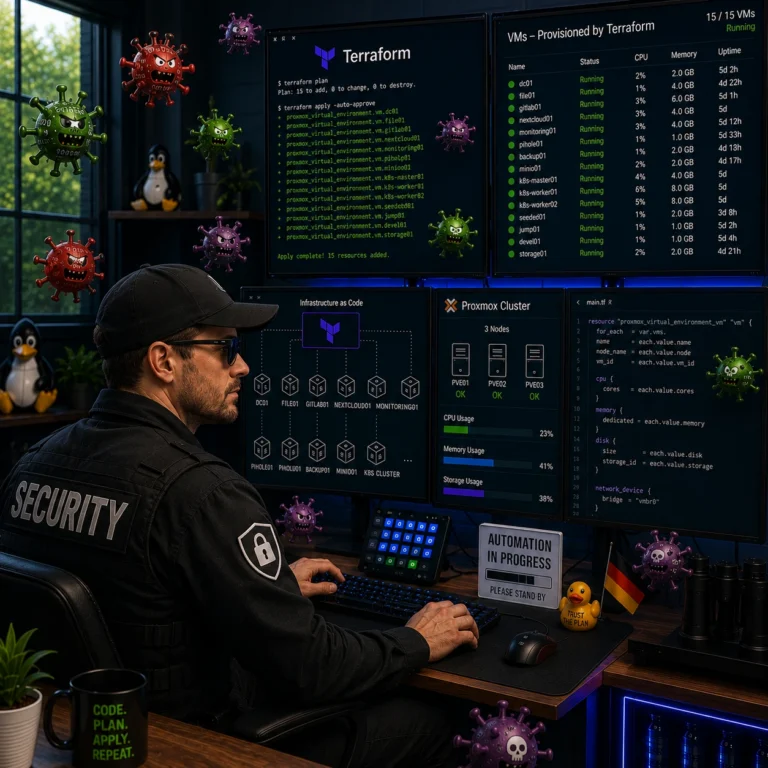
For straightforward “generate me an image of X” requests, this combo is legitimately good. My go-to test — “a golden Honda S2000 on the beach, front view” — came back as an actual front-view shot of a golden S2000 on a beach, properly lit, looking like a car ad. Even with the viewpoint instruction respected, which earlier attempts just… didn’t.
So: text-to-image, in German, for relatively simple scenes? 👍 Works well.
❌ The bad news: making dedicated/targeted changes to an image doesn’t work well
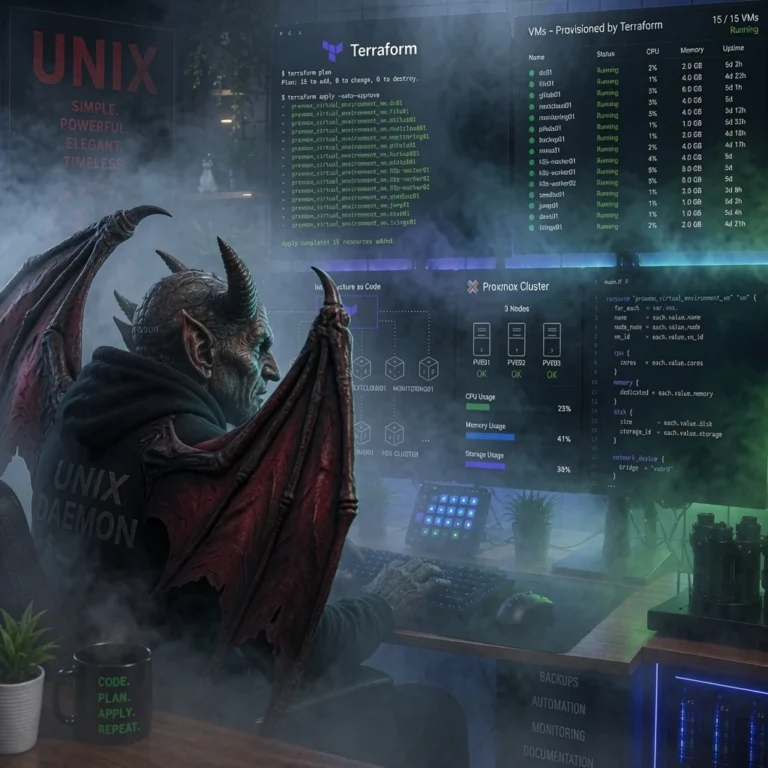
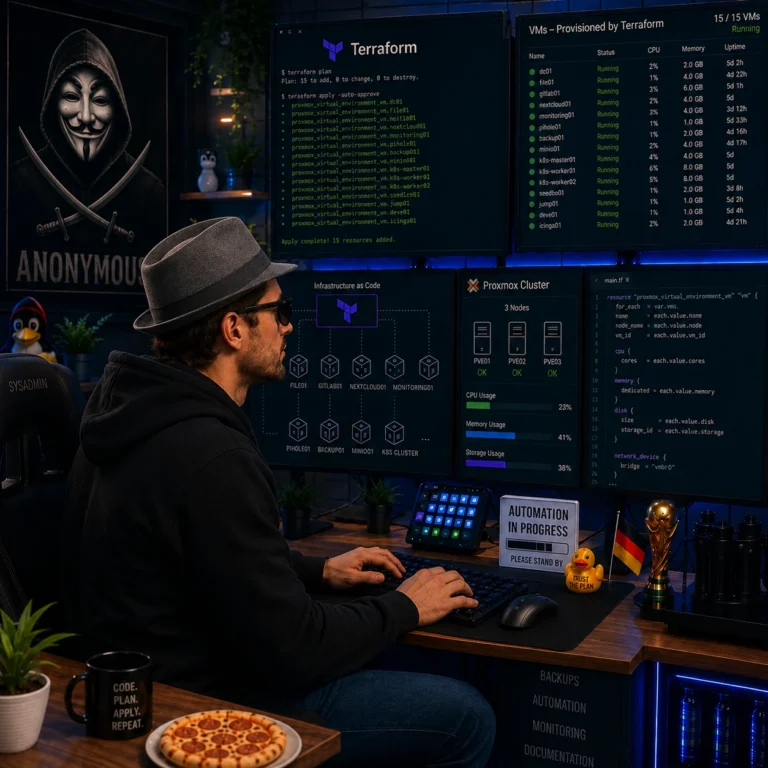
Here’s where my actual use case lives, though: I don’t just want random new images — I want to take an existing image and apply specific, targeted changes. “Make the dragon breathe blue fire.” “Change this car to red.” “Add sunglasses to this person.” That kind of thing.
And this is where the wheels still come off. The img2img pipeline we built works on a single “how much should this change” slider (denoise strength), and the tradeoff is brutal:
- Low denoise → the requested change barely shows up at all
- High denoise → I get a completely different image that vaguely fits the new prompt, but the original composition, pose, colors — basically everything I wanted to keep — is gone
There’s no middle ground where “keep the image, just change this one thing” actually happens. It’s either “nothing changed” or “new image, RIP original.” 😬
This is, bluntly, not yet comparable to what ChatGPT or Grok do when you upload an image and ask for a targeted edit — those feel like actual edits. What I have right now feels more like “re-roll the dice, but bias the dice a bit.”
🤔 So where does that leave the requirement?
Still open, honestly. The FLUX.1-dev + Ollama upgrade was a real improvement for generation — better prompt understanding, better detail, German input handled gracefully. But my original goal — “upload a picture, tell it what to change, get the same picture with that one thing changed” — is not solved yet.
From what I understand, that probably needs a different kind of tool entirely — something built specifically for instruction-based editing (masking/inpainting, or dedicated “edit” models), rather than the generic denoise-based img2img we’re using now. That’s the next rabbit hole. 🐇
More on that whenever I (or rather, my AI co-pilot) figure it out.